 |
bookmark this page - make qweas your homepage | |
| Help Center - What's New - Newsletter - Press | ||
| Get Buttons - Link to Us - Feedback - Contact Us |
| Home | Download | Directories | Freeware | How to | Free Mac | Store | Mobile | Mac | Guides | Discount | Rate | Updated | Popular |
| Picks | Hot | Reviews | Mac Hot | New Releases | Featured | Search | Top100 | iPod iPhone | DVD | Blu-Ray | iTunes | SiteMap | FAQ |
|
|
DVDPean Pro 3.7.0 - Screenshots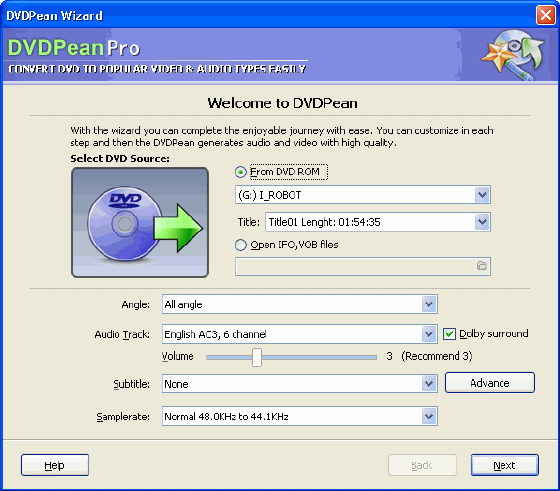
With the wizard you can complete the enjoyable journey with ease. You can customize in each step and then the DVDPean generates audio and video with high quality. Selecting DVD Source is the first step. 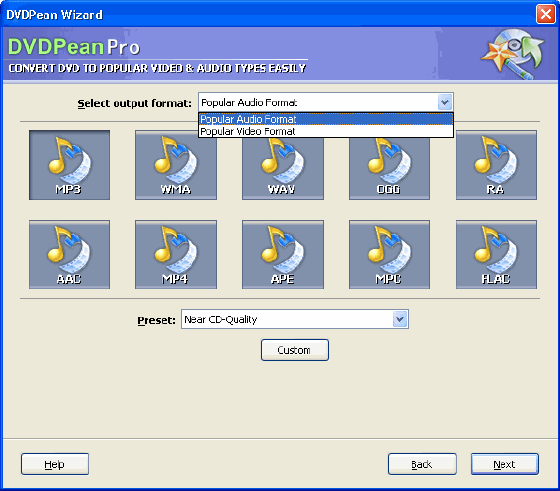
You can select output audio format: MP3, WMA, WAV, OGG, RA, AAC, MP4, APE, FLAC, MPC. You can select output video format: AVI (DIVX, XVID), MPEG1/2, WMV, VCD, SVCD, RMVB. 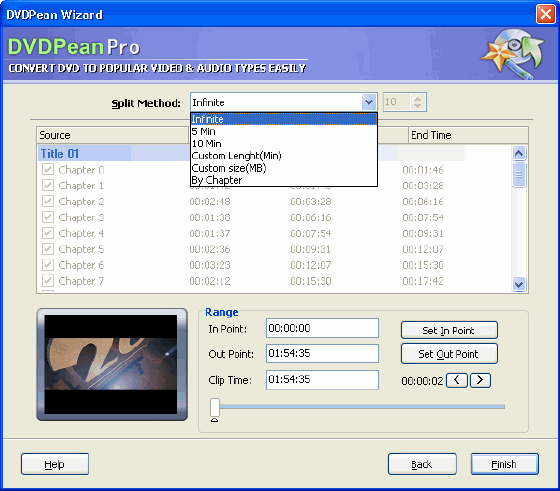
Video support split method: 74Min VCD, 80Min VCD, 74Min ISO Data CD, 80Min ISO Data CD,Custom size(MB), By Chapter. Audio support split method: 5 Min, 10 MB, Custom Length (Min), Custom size (MB), By Chapter. Set Begin Point, Set End Point. 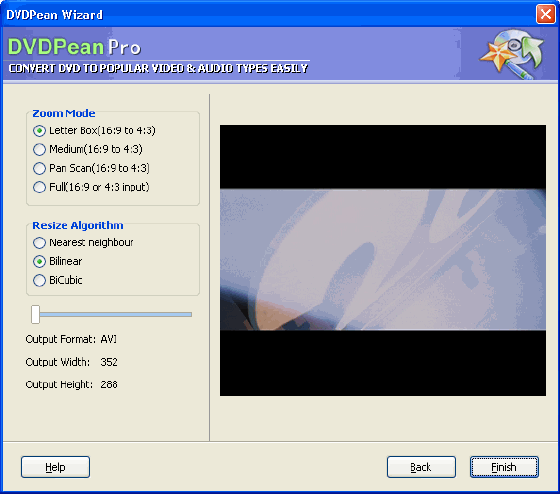
The last step of wizard - Video Zoom & Resize 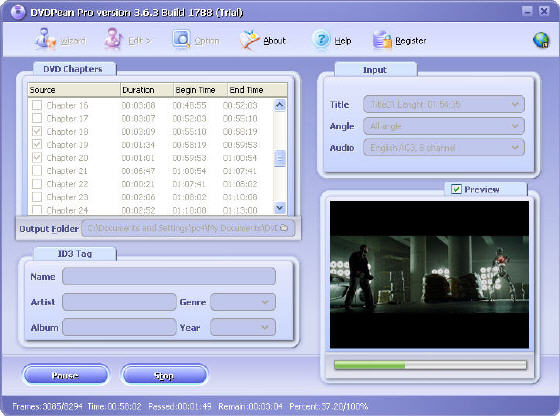
The screenshot of ripping! Of course, you can preview the movie to know what is ripping now. User Guide and FAQ - More Details
|


 Download Site 1
 Buy Now $49.95
| New
- News - Discount
- Mac Video
- Updated - Freeware
- Windows - Linux
- Developer - Partner
- Resource © 2009 Qweas Home - Privacy - Terms - Directory - Service - Recommend - About Qweas |