 How to convert 3GP Video to SWF, FLV flash Video formats? How to convert 3GP Video to SWF, FLV flash Video formats?
Allok Video to FLV Converter can convert almost all video formats, e.g.DivX, XviD, AVI, WMV, MPG, MPEG, MP4, M4V, FLV, 3GP, ASF, RM, RMVB, MOV, MOD, ASX, MKV, OGM, SVCD, VCD, VOB to FLASH Video (SWF, FLV) formats.
3GP to SWF Converter, 3GP to FLV Converter
Step1. Download Allok Video to FLV Converter
and install it on your PC.
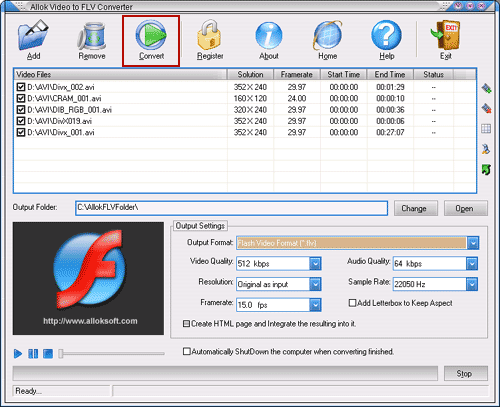
Step2. Launch the 3GP to FLV Converter and the interface is as follows:
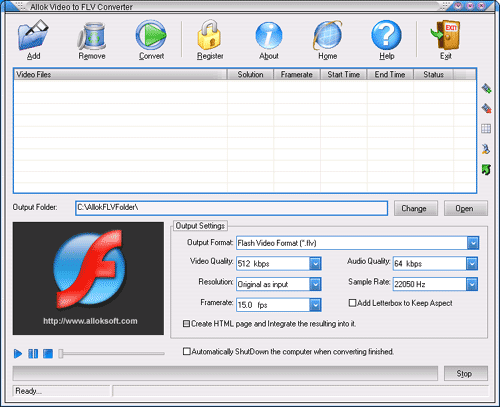
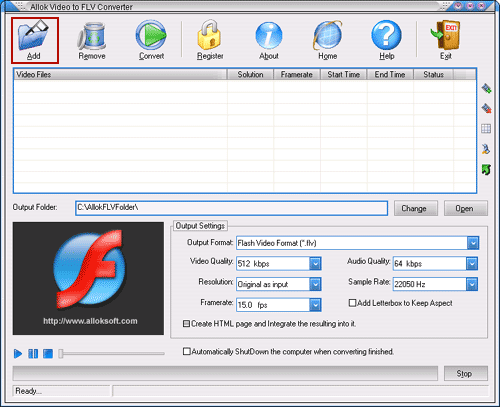
Step3. Click "Add" button to load 3GP file(s):
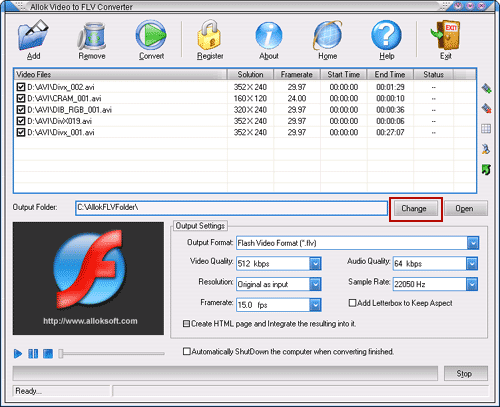
Step4.Click "Change" button to choose output file for FLV file, or you can also use the default path:
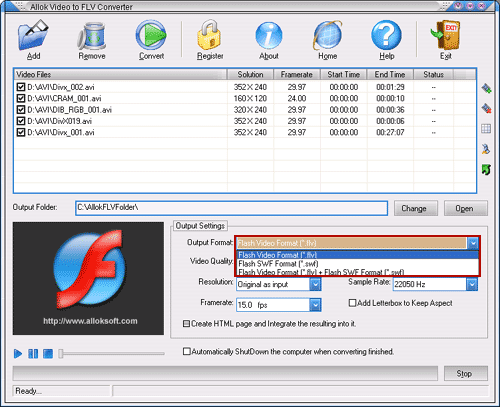
Step5.Click "Output Format" combo-box to choose FLV as output file:
Step6.Click "Convert" button to start to convert 3GP to FLV file:
Related
Software Step by Step Guides and Tutorials:
How to convert AVI MPEG 3GP VOB MOV to DPG videos for playing on DS?
How to play 3GP files or play 3GPP files with 3GP Player and 3GPP Player?
How to convert 3GP files to MPEG with 3GP to MPEG converter software on MAC?
How to convert DVD to 3GP, DVD to 3GPP2?
How to convert MPEG MOV 3GP VOB AVI to MP4 M4A AAC on Mac?
How to convert your video to 3GP, 3G2, or MPEG-4 with 2 only clicks?
How to convert video to 3GP file format?
How to convert AVI MOV WMV 3GP MP4 VOB MPEG to iPod on Mac?
How to convert AVI MPEG WMV MOV VOB ASF 3GP YouTube to BlackBerry AVI?
How to convert AVI to 3GP with 3GP Converter?
|

 RSS Feeds
BBS Forum
RSS Feeds
BBS Forum











