 How to create or make 3D Packaging Box for Your Website with 3D Box Maker Professional? How to create or make 3D Packaging Box for Your Website with 3D Box Maker Professional?
3D Box Maker Professional is a system to help you create virtual packaging for your website or brochures. Templates for each side of the box are provided for you. The new version also includes a box face editor to allow you to create images for your box without any other graphics product.
Step 1 Download 3D Box Maker Professional , install it on your computer.
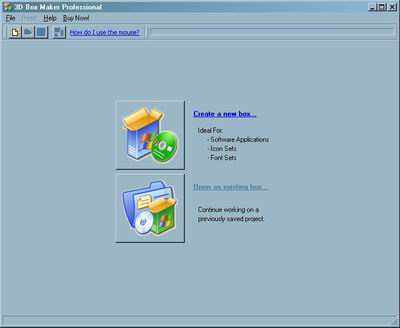
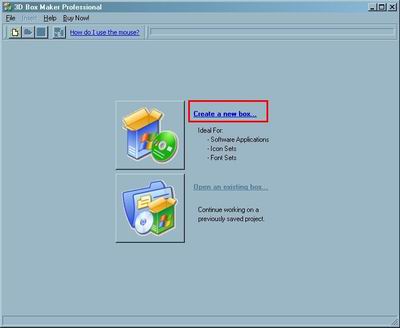
Step 2 Click the "Create a new box..." to create a new box.
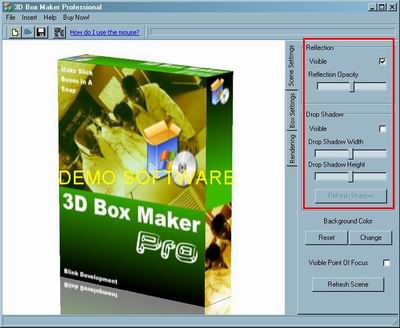
Step 3 You can set "Rendering", "Box Settings","Scene Settings".
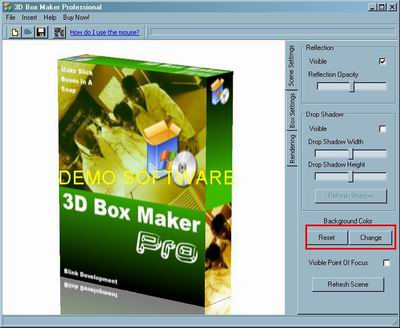
Step 4 You can "Reset" or "Change" the backgroud color.
Step 5 Click this button to save scene.
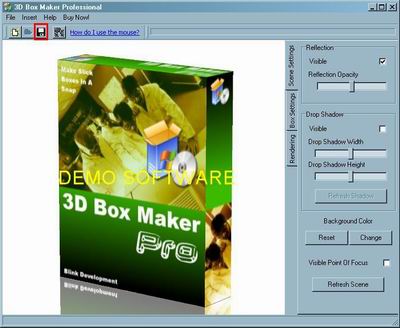
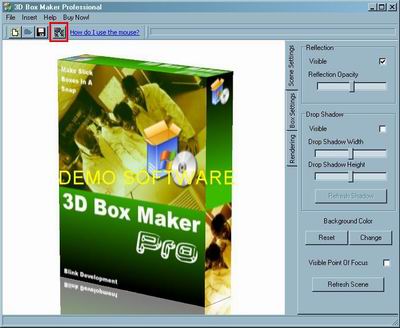
Step 6 Click this buttont to render image.
Related Step by Step Guides and Tutorials:
How to append data to the start or end of file names, folder names or file contents?
How to Batch Split PDF with Pdf Split Merge Pages?
How to create or make professional html webpage?
How to Open an XLSX File?
How to Copy a Word Table into Excel?
How to repire PST Files with Outlook PST Repair Tools.
How to convert DAT files to AVI, DAT to MP4, dat to MPEG.
How to convert DVR MS to MP4 with DVR MS to MP4 converter.
|

 RSS Feeds
BBS Forum
RSS Feeds
BBS Forum











