 How to convert SWF flash movies into redistributable Windows screensaver installer (.EXE) using SWF To Screensaver Scout? How to convert SWF flash movies into redistributable Windows screensaver installer (.EXE) using SWF To Screensaver Scout?
What is SWF To Screensaver Scout
SWF To Screensaver Scout can generate re-distributable .EXE screensaver installers that will install your flash screensaver on the end-user desktop. You can use existing flash movie to create new flash screensaver, put your title, web-site address and create flash screensaver installer that you can re-distribute from your web-page in a few minutes.
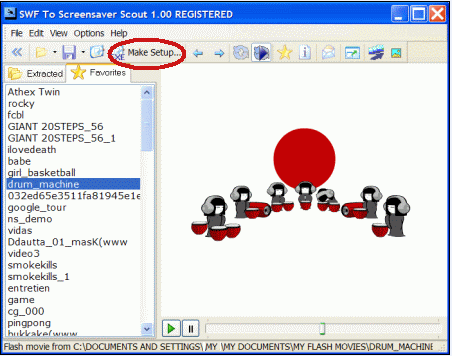
Step1. Run SWF To Screensaver Scout and select flash movie you want to use as screensaver and click Make Setup button:
The flash screensaver installer settings dialog will appear:
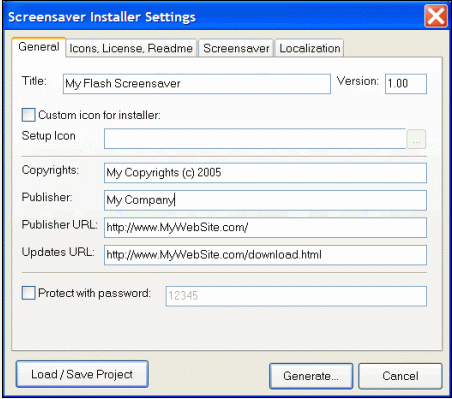
You can change Title, Copyrights, Publisher and other fields to your own values, enter title for the screensaver, enter URL of your web-site etc.
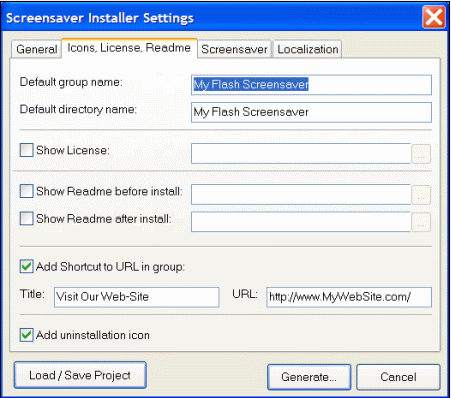
You can also set your own group name for icons, set license and readme text to display during installation:
Also you can set a text to display when user will click "Settings" in Windows screensaver properties dialog:
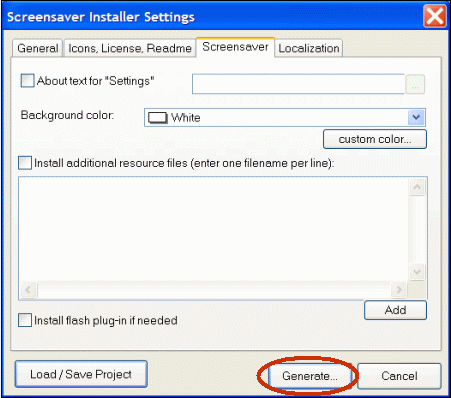
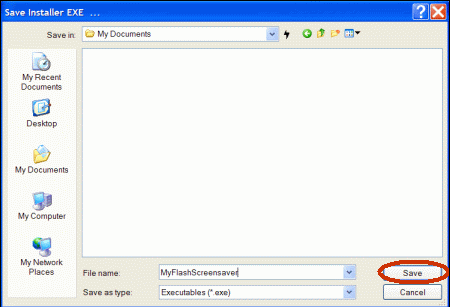
Step2.Click Generate to generate an EXE screensaver installer for selected flash movie. Save dialog will appear. Select a filename for EXE installer and click Save
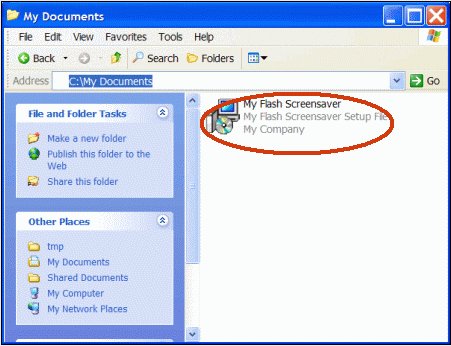
Program will generate EXE installer and will open it in Explorer:
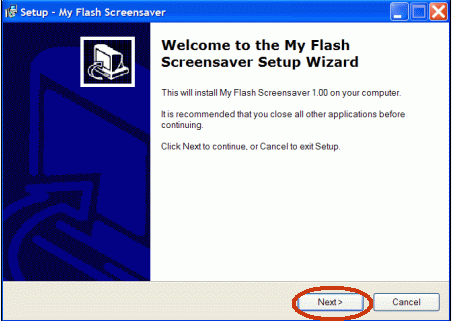
To the test generated installer double-click on it and installation will start. Click Next button to go through an installation process
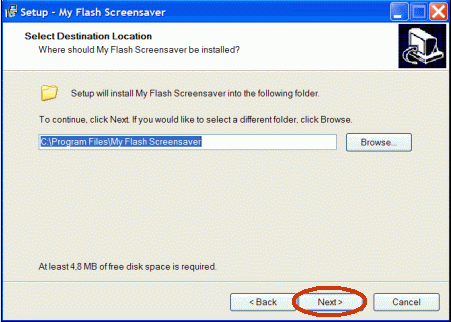

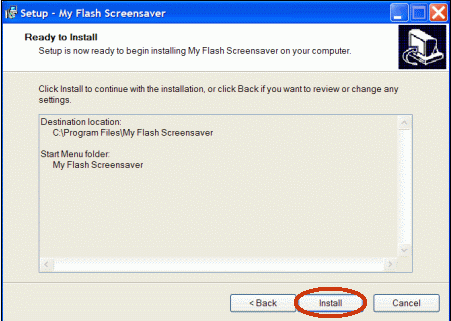
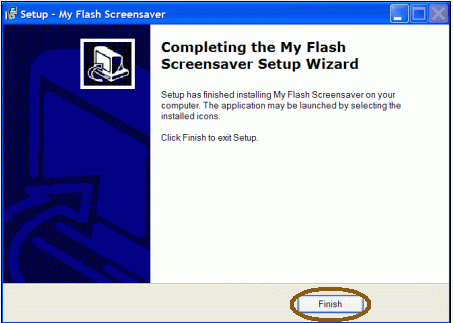
Step3.Click Finish to finish screensaver setup.
After clicking Finish installer will display Screensaver tab of Display Properties dialog. As we can see the screensaver preview is displayed.
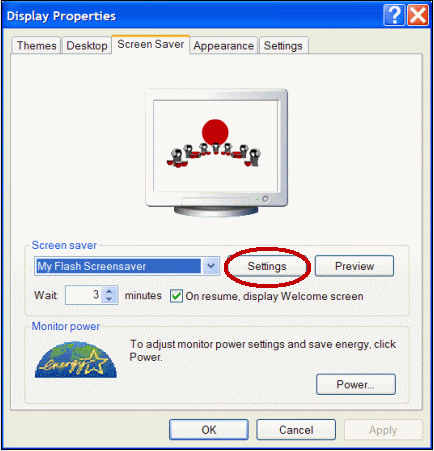
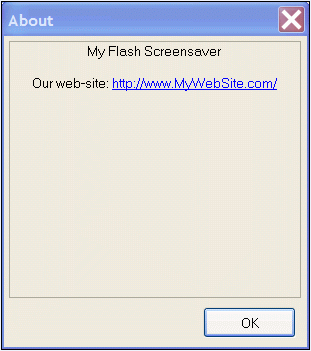
Click Settings button to display About dialog that contains information about our screensaver:
Related
Software Step by Step Guides and Tutorials:
How to convert 3GP Video to SWF, FLV flash Video formats?
How to convert AVI(DivX, XviD), VOB to SWF, FLV flash Video formats?
How to convert flash SWF movie to iPod with ANVSOFT Flash to iPod Converter step by step?
How to save or download swf flash aimation file from floating shortcut bar, Internet Explorer Context Menu, or search Flash files in local cache files?
How to convert Flash SWF to FLA with Flash Decompiler?
How to search the necessary information in ActionScripts used in Flash files?
How to Convert AVI, WMV, MPG, ASF, MPEG to Flash step by step?
How to convert DVD to flash, DVD to SWF, DVD to FLV, DVD to Screensaver and exe file?
How to make a Flash Thumbnail Gallery for Your Website?
|

 RSS Feeds
BBS Forum
RSS Feeds
BBS Forum











